

Appearance
Installing and Launching the Software
The Battery Software is distributed as an installation package that guides the user through the setup process. Once the installation is complete, the software can be launched directly from the installed application.
Installation
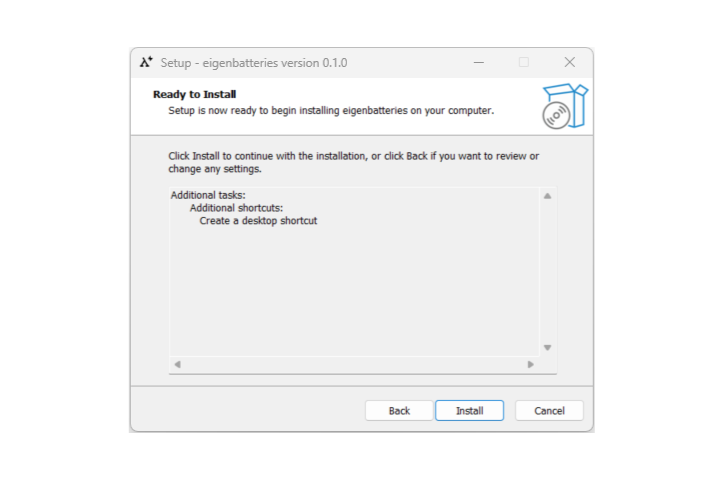 To install the Battery Software:
- Obtain the Battery Software installation package.
- Run the installer.
- Follow the instructions provided by the installation wizard.
- Select the desired installation directory.
- Complete the installation process.
Launching the Software
After the installation is complete:
- Launch the Battery Software application.
- Wait for the application to initialize.
- Verify that the Project Management page is displayed.
If no project is currently selected, the software opens to the Project Management page, where users can create a new project or open an existing one.