

Appearance
3.5 Characterization Summary Validation
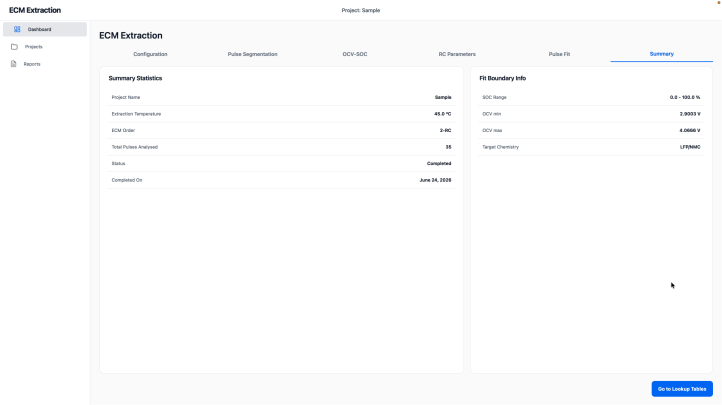
The summary page should provide a clear final report of the extraction process.
Validation Steps
- Open the characterization summary page.
- Check that all required outputs are listed.
- Review the extracted parameter summary.
- Confirm that the summary is consistent with the fit and identification pages.
Expected Result
The summary should show a complete extraction result with no missing outputs.
Acceptance Check
- The summary page is generated.
- All major parameters are listed.
- The user can proceed to parameter validation.